

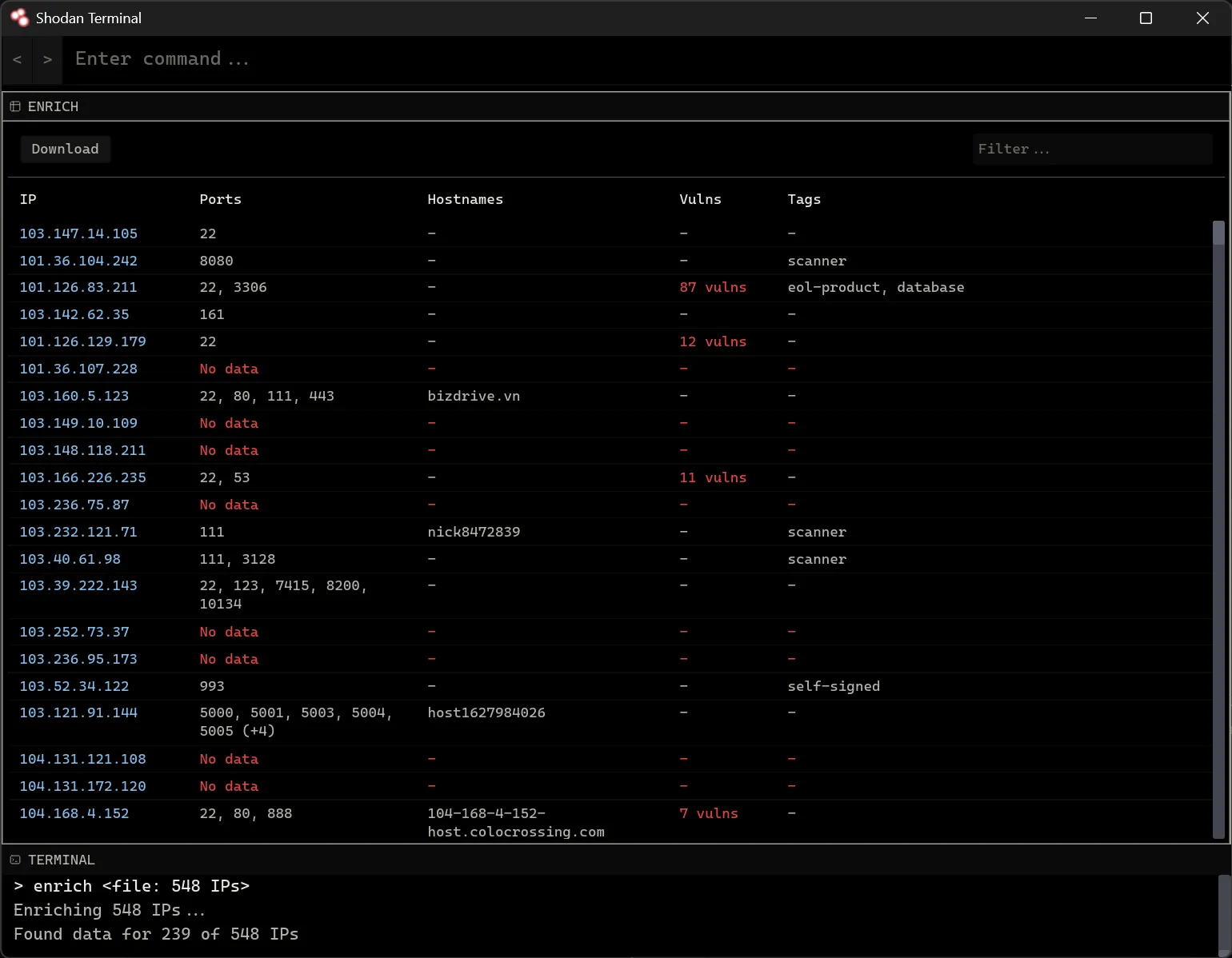
Shodan Terminal is a desktop application written in Rust that lets you access most of the Shodan API without writing any code. Simply plug-in your Shodan API key and you can start searching, enriching IPs, configuring network monitoring and more.
Quick Start
- Installation: Shodan Terminal is a single executable that is available for Windows, OS X and Linux. Packages are available to install the executable or you can download the file by itself.
- Configuration: Run the
configcommand and enter your Shodan API key into the form. You can see your API key from your Shodan account page at https://account.shodan.io
Tips
- Widgets can be resized and dragged around. Changes to the layout are saved.
- The command bar supports
TABcompletion. - Run the command without any arguments to get examples for the command.
- Enable clipboard enrichment via
configto automatically lookup IPs copied to the clipboard.